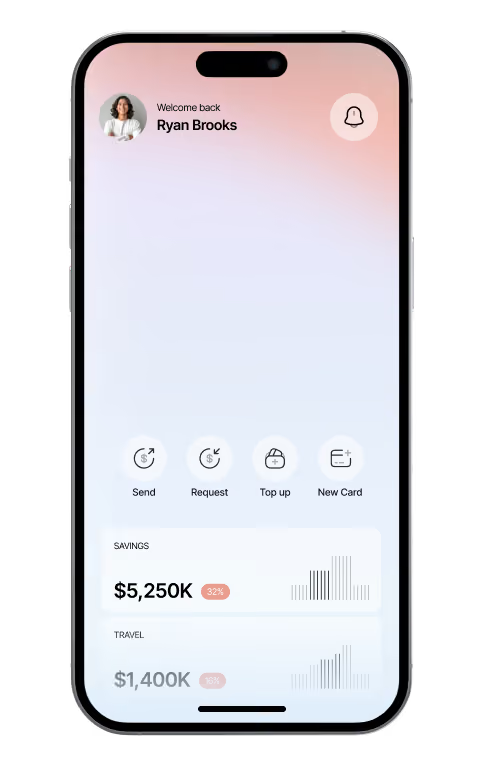

Clover Money


Keep everyday payments and transfers visible in one place.
Overview
Clover Money is a payments and transfers app used for rent, bills and sending money to friends. Connected to Finos, every Clover transfer is recorded where it belongs, so money sent to others is never mistaken for money spent.
Key Capabilities
Transfers, visible and sorted.
Finos tells Clover transfers apart from purchases and shows each one against the person or bill it went to.
Transfer feed
Every Clover payment and receipt as it happens.
People and bills
Transfers grouped by who they went to, with monthly totals.
Pending requests
Money you have asked for, shown until it arrives.
Setup Instructions
Connect Clover from the integrations list and approve the connection in the Clover app.
01 — Choose Clover Money
Press Connect and open Clover when prompted.
02 — Approve in Clover
Confirm read-only access.
03 — Tag the regulars
Mark rent and bills so they show on the calendar.
Security & Privacy
Clover shares transfer history only, over an encrypted connection approved in its own app. Finos cannot send money through Clover.

Questions, answered clearly.
Your membership brings connected accounts, cards, budgets and goals into one workspace, with planning views, shared access controls and support included.
Yes! You can connect multiple bank accounts and payment cards in one place, making it easy to track transactions, monitor balances, and manage your finances.
Your financial data is protected with secure encryption, strict access controls, and industry-standard security practices to help keep your personal and financial information safe.
Yes! You can invite team members or trusted individuals to your workspace and manage their access permissions to ensure everyone can access only the information they need.
During the 14-day review, you can explore your financial activity, review connected accounts, and evaluate how well the platform meets your needs before making a final decision.
Absolutely! You can cancel your subscription, change your billing plan, or update your payment method at any time through your account settings.

Budgets and goals together